

Featured North

How to photograph your business with your phone

You don't need a photographer to get photos an editor will use. You need light, a clean frame and ten minutes.

Owner Guides2 min readUpdated September 28, 20265 shots to take
Owner portraitThe owner
Fresh biscuits on a trayThe product
Cafe interiorThe space
Cooks at work in a kitchenHands at work

Good photos are the difference between a story that gets read and one that gets scrolled past. The good news: the phone in your pocket is more than enough. Here's how to get photos you'll be proud to send to any publication.

Step one

Light first, everything else second

Shoot near a window

Soft daylight from the side is the most flattering light there is.

Avoid overhead fluorescents

When you can. They flatten faces and turn colours green.

Morning and late afternoon

Warmer, softer light outside. Midday sun creates harsh shadows.

Turn off the flash

Almost always.

Step two

The five photos every business needs

Example photos are stock images, shown to illustrate each shot.

A business owner in his workplace1
The owner portrait

You, in your space, looking at the camera. Stand a few steps in front of a background that says what you do.

Shopfronts on a main street2
The storefront or workspace

Straight on, level, with the sign readable.
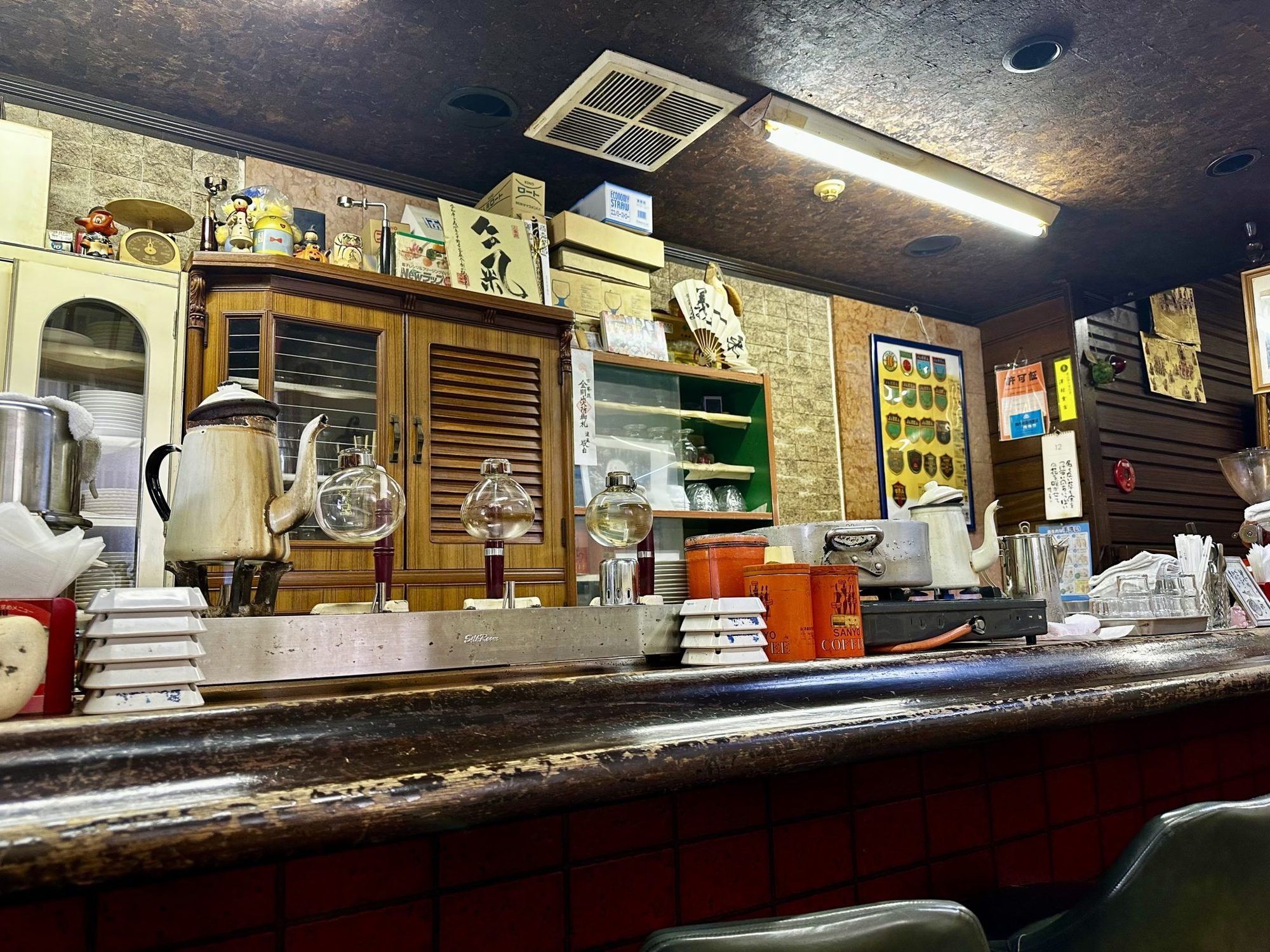
The counter inside a cafe3
The interior

Shot from a corner to show depth. Tidy up first.

Biscuits on a baking tray4
The product or service

Close up, on a clean surface, with one hero item in focus.

Cooks working in a kitchen5
Hands at work

Kneading, cutting, pouring, fixing. These are the photos editors love most.

Step three

Framing basics

  • Turn on your camera's grid and place the subject on a third, not dead centre.
  • Hold the phone level. Tilted doorframes make a space feel off.
  • Shoot horizontal (landscape) for websites and articles, and a few vertical for social media.
  • Step closer instead of zooming. Digital zoom reduces quality.
  • Wipe the lens. Seriously.

Portraits that feel natural

Ask a friend or employee to take the photo while you talk to them. Real smiles happen mid-conversation, not on “say cheese.” Take twenty shots; one will be great.

Editing, lightly

Use your phone's built-in editor to straighten, crop and brighten slightly. Skip heavy filters. Publications want photos that look like real life.

Sending your photos

Don't send

Screenshots, or photos saved from social media.

They're compressed and look soft in print and on large screens.
Send

The original files, at full size.

Email attachments or a shared folder link, named clearly, like “business-name-owner.jpg”.

When you apply to be featured, these five photos are all we need.

Got your five photos?

That's all we need to tell your story. Interviews are free.

Apply to be featuredAll owner guides